
How to Search Cases by Name
Every Hidalgo County case lookup starts at Hidalgo Odyssey Public Access. Pick the module that fits the case first. District and county criminal matters live under Criminal Case Records. Civil, family, and probate matters go through the combined civil module. The landing page also lists Court Calendar, Jail Records, and Jail Bond Records. Those are separate tools. A jail entry is no substitute for a Hidalgo County case lookup.
- Identify whether the matter belongs to a District Court, County Court at Law, probate court, JP court, municipal court, state appellate court, or federal court.
- Select the matching Odyssey module. Use the exact full name first, then try a middle initial, another known spelling, or a common surname combination.
- Compare each possible result by court, county, case style, filing date, category, party role, and cause number. A name match alone is not enough.
- Open case details and the filing list when public access permits. Note the precise order, judgment, motion, or other filing that is needed.
- If no live result loads, contact the responsible clerk by phone, mail, email, fax, or at the counter. Give the name, known date range, court, and case type.
The portal does not display a complete surname form on its landing page. More search controls may appear after a module is chosen. Treat the controls on the page itself as the full inventory.
| Field or control | Type | Access note |
|---|---|---|
| Criminal Case Records | Module link | County and district criminal discovery, not every local citation |
| Civil, Family & Probate | Module link | Combined public module for those categories |
| Court Calendar | Module link | Settings rather than a complete case file |
| Location selector | Control | Complete options were not exposed during research |
| Jail and Jail Bond | Module links | Custody and bond data, not substitutes for the docket |
Hidalgo Case Lookup Modules
Odyssey forces the routing choice before any person-level search. That design matters in Hidalgo County because record custody is split. The District Clerk keeps district civil, family, felony criminal, and juvenile records. The County Clerk keeps the County Courts at Law misdemeanor and civil categories. That office also holds probate and mental-health records. A city citation stays with its municipal court. A JP case stays with that justice court.
The official Hidalgo criminal-search route opens the interface for that module. If it redirects or fails, keep the official landing URL. Then fall back to the clerk.
Municipal payment portals are separate too. McAllen, Edinburg, Mission, Pharr, and Weslaco each run their own citation workflows. A payment search does not prove the county Odyssey holds the municipal court file.
How to Search by Case Number
A complete cause number is the best key for a Hidalgo County case lookup. Enter it exactly as the official notice, pleading, citation, or clerk receipt shows it. Keep prefixes, year elements, hyphens, and leading zeroes. Published Hidalgo County materials use "cause number" and show family-style numbers with an F- prefix. But no single numbering formula covers every court.
Never force a district format onto a County Court at Law, municipal, JP, probate, appellate, or federal search. If a copied number returns nothing, check for transposed digits and confirm the court. Then ask the correct clerk to run the known case number. The County Clerk civil request form accepts party information. It also offers a civil cause or record-search choice. A clerk can also say whether the record is archived, transferred, not yet indexed, or held by another office.
Case numbers are locators, not findings. A number that reaches a calendar entry does not prove a hearing occurred. Open the case details and request the signed order when the outcome matters.
Hidalgo Secure Search Boundary
The public Odyssey landing page and the secure Odyssey system are different access levels. The secure route presents User ID and Password fields. That is account and role separation, not a shortcut a public user can bypass. Texas technology standards distinguish public, confidential, and sealed roles. So an authenticated screen may expose functions a general visitor cannot use. The official secure Odyssey route shows that login boundary.
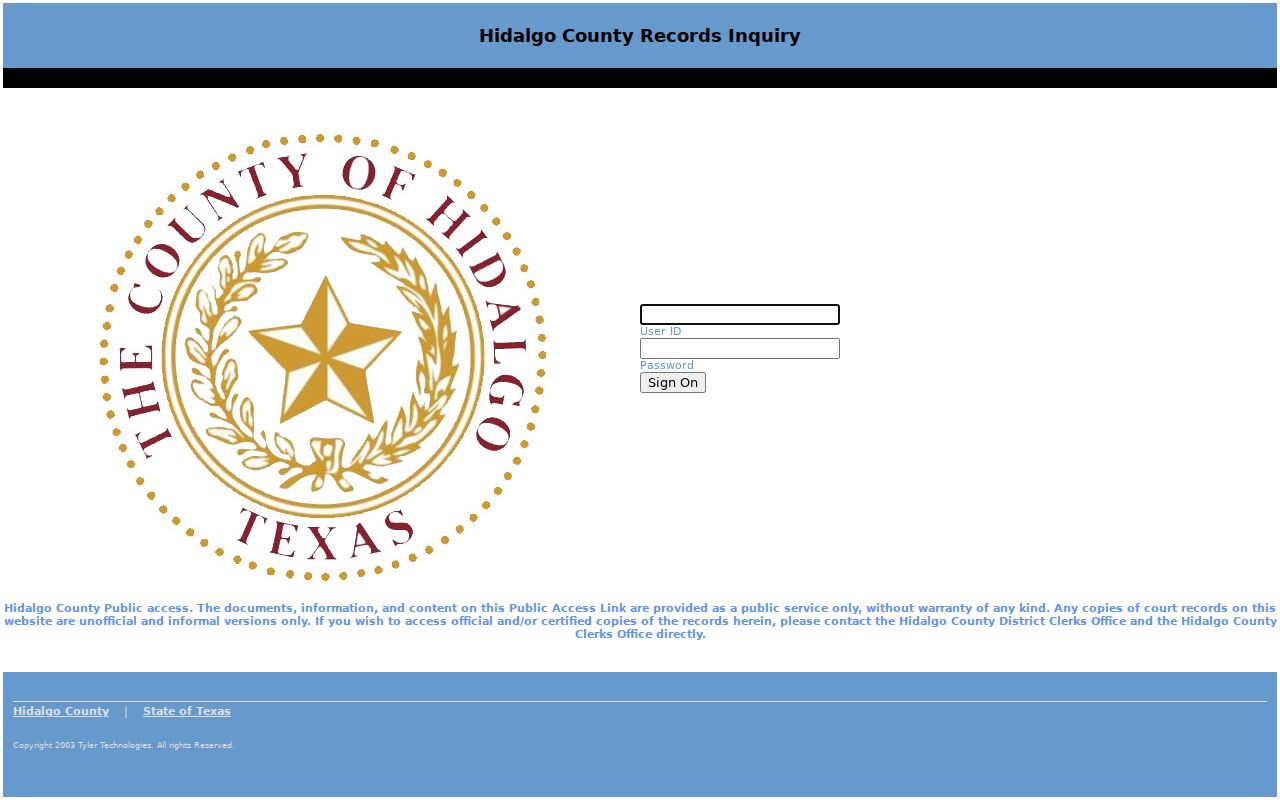
Treat that login screen as an access warning. Credentials are not available to the public. Attempting secure access will not retrieve a missing public document.
Public does not mean complete. A public index may identify a Hidalgo County case while a confidential or sealed filing remains unavailable.
What a Case Search Shows
A Hidalgo County case search result is a locator and event summary. Available fields vary by module and security role. The official technology standards support common index concepts, and published docket samples show how those concepts appear in local practice. Do not assume every row will include every field.
| Case or cause number | The court's unique locator for the matter. |
|---|---|
| Case style | The caption naming parties in the role shown by the court. |
| Court and location | The assigned Hidalgo County court and clerk route. |
| Case category | Criminal, civil, family, probate, or another displayed class. |
| Filing and event dates | Dates tied to docket entries, settings, or filings. |
| Status or disposition | The displayed procedural state or outcome, which may need a signed order for context. |
| Document list | Public filings available by title; some documents may be restricted. |
| Hearing entry | A scheduled setting, not proof that the event occurred. |
Read the party role, not just the name. Plaintiff, defendant, petitioner, and respondent all mean different things. Compare the result against a known filing or notice before treating it as the intended case.
When Hidalgo Case Lookup Fails
A blank screen is not the end of the road. The Hidalgo County case lookup may simply be pointing at the wrong court level or module. The record could sit in a city system, an archive, or a court that has not indexed it yet. Access rules can also block what you see. Go back to the landing page and match the court named on the filing, citation, or notice before giving up.
District cases live with the District Clerk. Call (956) 318-2200 or fax (956) 318-2251. The office sits at 100 N Closner in Edinburg, and its mailing address is P.O. Box 87, Edinburg, TX 78540. For categories the County Clerk has verified, dial (956) 318-2100 or the toll-free line at (888) 318-2811, stop by 100 N Closner, or mail P.O. Box 58, Edinburg, TX 78540.
Have your details ready when you call. Bring the cause number, party names, the document you want, your certification choice, and how you want it delivered. The District Clerk can email noncertified copies. County Clerk requests use category-specific forms. A municipal or JP citation goes straight to that local court. Check with the clerk on courthouse terminal access rather than assuming one is open.
One tip helps. Ask for a named filing or order. A precise Hidalgo County request routes faster than a demand for everything on file.
Hidalgo County vs Statewide Search
Hidalgo Odyssey serves as the county's own discovery tool. Texas re:SearchTX plays a different role entirely. It is a registered statewide electronic-access layer tied to the eFileTexas system, not a frictionless public search that replaces the Hidalgo County clerks. Its quick-reference material describes Cases, Filings, Text, and Hearings cards, plus keyword search, filters, advanced search, export, and saved searches. Even so, document access still depends on your role and the sensitivity of the file. Treat it as a complement to county access, not a substitute.
| Point | Hidalgo Odyssey | re:SearchTX |
|---|---|---|
| Access | Public landing page with county modules | Registration and eFileTexas credentials |
| Best use | Find the local court, case, or calendar route | Search statewide electronic cases, filings, text, or hearings |
| Controls observed | Criminal, civil/family/probate, calendar, jail, bond, and location controls | Search cards, keyword, filters, advanced search, export, and save |
| Official copy | Portal copies are unofficial or informal | Electronic access does not replace clerk certification |
| Main limit | Case-level fields were not fully exposed in research | Account, role, and document restrictions apply |
The official re:SearchTX landing page was captured as the registered statewide route.
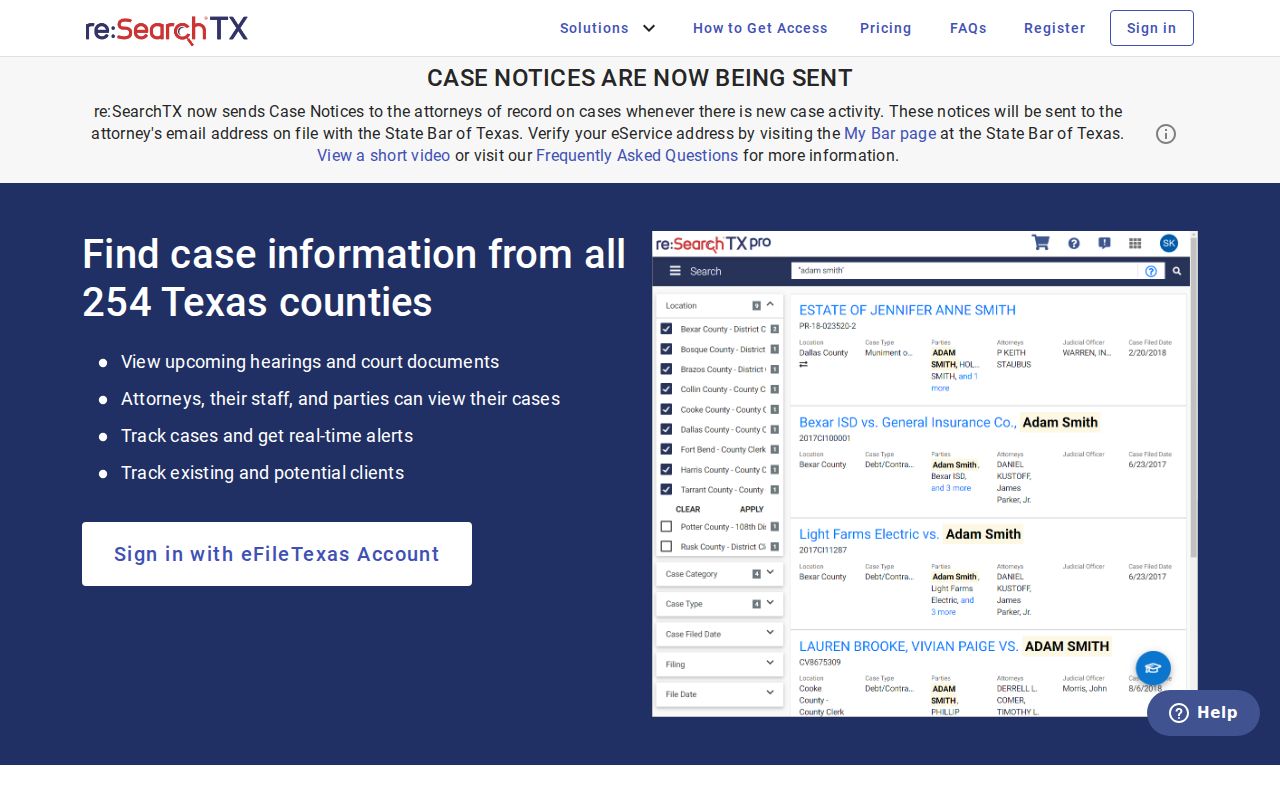
The statewide service's identity checks out on its official page. The account rules, though, are why it should never be pitched as an open replacement for county-level access.
Hidalgo Cases Outside Odyssey
Jurisdiction points you to the next search. A Class C misdemeanor or city-ordinance case belongs with the municipal court that issued it. Traffic tickets, small claims, civil matters, and forcible-entry-and-detainer cases in a justice court go to the named JP office. State appeals from Hidalgo County head to the Thirteenth Court of Appeals in Edinburg. Federal cases generally run through the Southern District of Texas, McAllen Division, on PACER.
These systems do not merge into one reliable person search. Read the citation or pleading for the issuing agency and court. A payment route in McAllen, Edinburg, Mission, Pharr, or Weslaco might track down a city ticket. It is not a district case database, though. PACER remains the official federal docket route. And Hidalgo Odyssey holds no federal cases at all.
Restricted Cases and Access Rules
Texas does not open every court file to the public. Statutes and court orders can limit family, juvenile, mental-health, guardianship, and child-protection material. Texas Rule of Civil Procedure 21c covers sensitive data. Rule 76a sets the process for sealing civil court records. A public docket may show the index entry while holding back the document underneath it.
The Texas Judicial Branch open-records policy also draws a line between ordinary case files and Rule 12 judicial administrative records. A routine Hidalgo County case-file request goes to the District Clerk, County Clerk, JP clerk, municipal court, appellate clerk, or federal clerk. Which one depends on the case. Do not mislabel it as a standard Texas Public Information Act request.
A missing result has many explanations. The file could be restricted, sealed, archived, or transferred. It might not yet be indexed. It could sit in another court. Ask the custodian which one applies and whether a public redacted copy exists. Never assume "not found" means no case ever existed. Do not go hunting for protected data.
Hidalgo Search Results and Copies
The portal's own disclaimer labels public copies unofficial or informal. A Hidalgo County case lookup can tell you the case number, the court, the filings, and the next setting. But a certified judgment or order comes only from the responsible clerk. That line matters whenever exact text, a seal, or certification is required.
Copy fees follow set patterns. The District Clerk says email is usually the fastest route for a noncertified copy. That costs $1 for a document up to ten pages. It is $0.10 for each page or portion beyond ten. Certified copies can go out by mail with postage or wait at will-call. County Clerk civil requests use the office's own form. The form lists a $5 search fee plus $1 per page, along with a certification choice. Confirm current charges before you pay.
The lookup may find the case. You may still need the petition, motion, order, judgment, or certified document itself. For that, use the Hidalgo County court record search.